Flipper Zero SimulatorDismantle, inspect and operate the device.
Interactive lab
Flipper ZeroWorkshop
Lesson 10 of 50
D-pad and tactile switches
0/50
Lesson guide10 / 50
D-pad and tactile switches
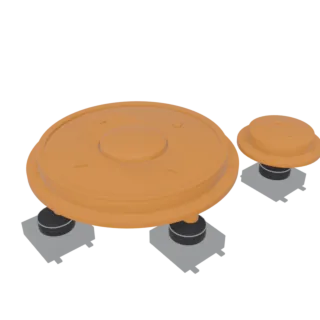
Five directions and one OK press, each a separate tactile switch.
Module: Display and input
Hardware
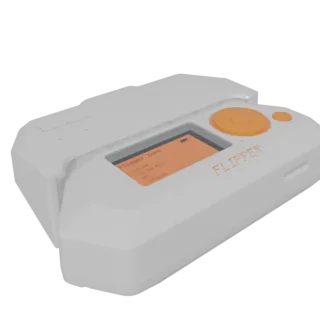
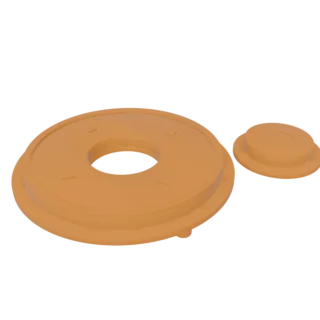
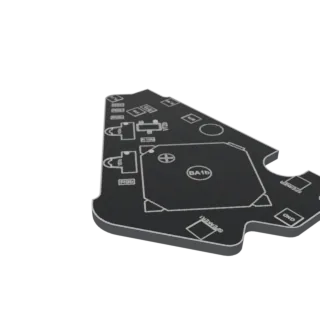
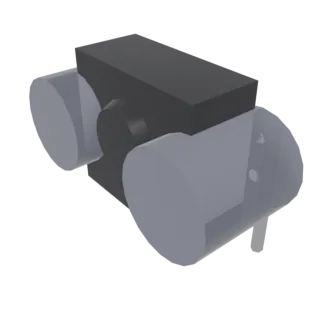
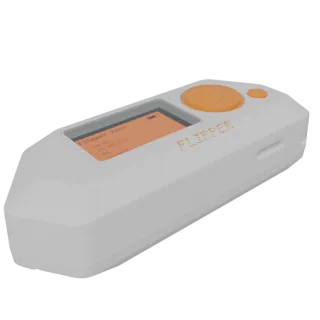
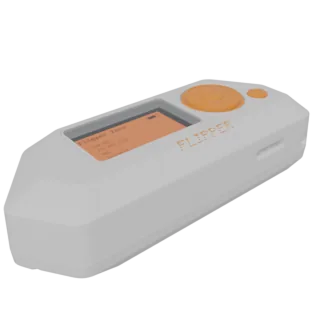
The orange cap rocks on a central pivot and presses one of four tact switches (SW5–SW8, 8.4 mm from the centre on the official drawing); the OK cap presses SW4 and Back presses SW3. All six sit directly on the main PCB and pull GPIOs low (Buttons schematic).
Click the D-pad on the 3D model — the hit position decides the direction.
Key specs
- Switches
- 5 + Back
- Debounce
- Software, ~10 ms
Firmware code
bool pressed = !furi_hal_gpio_read(&gpio_button_up);Check yourself
How many switches does the D-pad use?
- 4
- 5
- 8
← 9. Drawing with the canvas API · All lessons · 11. Input events and the Back button →
Try it yourself
l10_d_pad_and_tactile_swit.c
bool pressed = !furi_hal_gpio_read(&gpio_button_up);
Ready
Line –
API calls 0
Time 0 ms
Flipper CLI · virtual
Ready
Lessons
 Lesson 01Tour of the Flipper Zero
 Lesson 02Enclosure and mechanics
 Lesson 03Exploded view and assembly
 Lesson 04The main PCB
 Lesson 05STM32WB55 microcontroller
 Lesson 06Battery and charging
 Lesson 07USB-C and DFU recovery
 Lesson 08Monochrome 128×64 LCD
 Lesson 09Drawing with the canvas API
 Lesson 10D-pad and tactile switches
 Lesson 11Input events and the Back button
 Lesson 12Menus and the GUI stack
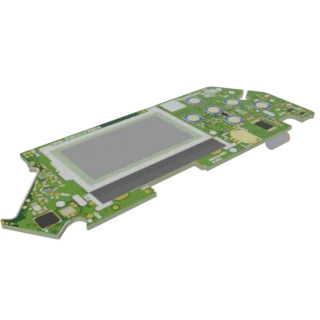 Lesson 13Haptics, LED and speaker
 Lesson 14GPIO header pinout
 Lesson 15Digital input and output
 Lesson 16PWM output
 Lesson 17Analog input (ADC)
 Lesson 18UART serial
 Lesson 19I²C bus
 Lesson 20SPI bus
 Lesson 21CC1101 sub-GHz transceiver
 Lesson 22Spectrum analyzer
 Lesson 23OOK and ASK modulation
 Lesson 24FSK and data rate
 Lesson 25Decoding a synthetic remote
 Lesson 26Antennas and range
 Lesson 27Low-frequency RFID basics
 Lesson 28EM4100 and Manchester coding
 Lesson 29Read and emulate a synthetic tag
 Lesson 30The antenna board coils
 Lesson 31NFC and ISO 14443
 Lesson 32Reading an NTAG synthetic tag
 Lesson 33MIFARE Classic sectors and keys
 Lesson 34Anticollision
 Lesson 35Emulating a synthetic NFC tag
 Lesson 361-Wire protocol
 Lesson 37DS1990A ROM and CRC
 Lesson 38Infrared basics
 Lesson 39NEC protocol
 Lesson 40Universal remote database
 Lesson 41USB HID in a sandbox
 Lesson 42USB CDC and mass storage
 Lesson 43Bluetooth LE radio
 Lesson 44Scanning BLE advertisers
 Lesson 45microSD and FAT
 Lesson 46Firmware architecture
 Lesson 47Writing an external app (FAP)
 Lesson 48Power management
 Lesson 49Security, ethics and law
 Lesson 50Capstone: assemble, operate, diagnose